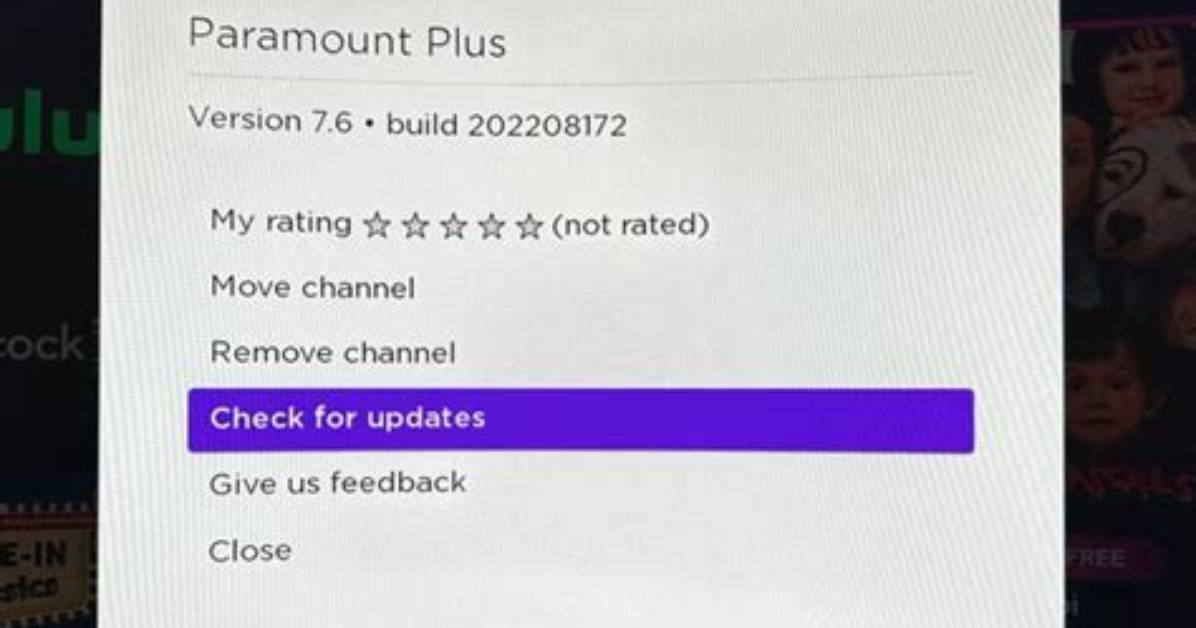
- If Paramount Plus is not working, try restarting the app and restarting your streaming device.
- Check your internet connection, and see if the Paramount Plus service is experiencing an outage.
- Here are seven ways to fix Paramount Plus when it isn't working.
Paramount Plus offers a wealth of content from CBS, MTV, Comedy Central and other content catalogs, but all that is only valuable if you can actually watch the streaming service. If Paramount Plus isn't working on your phone, computer, Roku, or some other device, don't worry — here are seven of the most common solutions to fix your connection and start streaming.
Restart Paramount Plus
Often, the easiest way to fix a streaming service like Paramount Plus is to close and restart the app. When you close an app, it typically deletes any corrupted data that's kept the app from working properly. This is a good first step whether you need to close the app on your iPhone, on Android, on a streaming media player like Roku, or on a smart TV. How you do this varies depending on what kind of device you have, but for most streaming devices, select the app and then click and hold or long-press on it until you see additional options that include force-closing the app. There's no way to force-close an app on Roku, but you can exit the app and then launch it again.
Check to see if Paramount Plus is online
The Paramount Plus service doesn't go offline often, but if you can't play any video in the app, it's entirely possible that Paramount is experiencing an outage. To see if that's the problem, you can check the Paramount Plus status page. If the website reports that the service is offline, you'll need to watch a different streaming service (or go read a book) while you wait for service to be restored.

