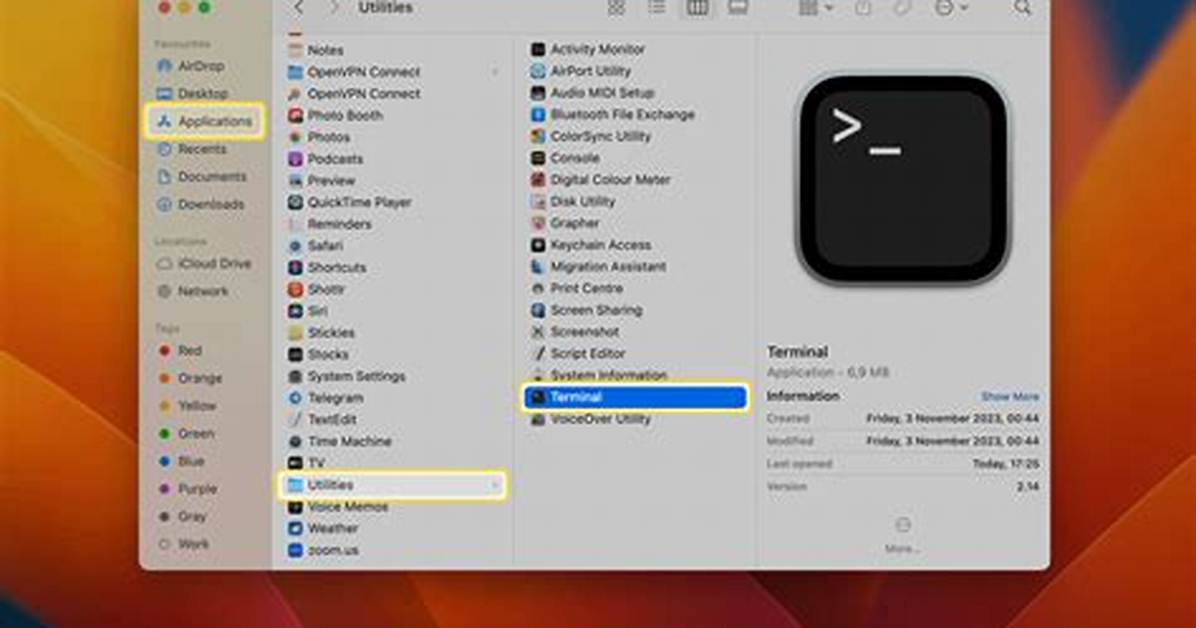
SSH (Secure Shell) is a cryptographic network protocol used to securely connect and manage remote servers or devices over an unsecured network, such as the internet. If you're a Mac user, learning how to use SSH remote access is essential, whether you're a developer, network administrator, or simply someone who wants to manage remote systems efficiently. In this article, we’ll explore how to use SSH remote on Mac for free, including step-by-step instructions, best practices, and troubleshooting tips.
SSH provides secure communication between your Mac and remote servers by encrypting all data transmitted. This ensures that sensitive information, such as passwords and commands, remains protected from unauthorized access. With macOS, you have built-in SSH capabilities that eliminate the need for third-party software, making it a cost-effective solution for remote management.
This guide will walk you through everything you need to know about SSH remote on Mac, from setting up SSH keys to troubleshooting common issues. By the end of this article, you’ll have the knowledge and tools to confidently use SSH for remote access without spending a dime.
Introduction to SSH
SSH, or Secure Shell, is a widely-used protocol for secure communication between computers over unsecured networks. It enables users to remotely access and manage servers, transfer files, and execute commands securely. Unlike traditional methods such as Telnet, SSH encrypts all data exchanged between the client (your Mac) and the server, ensuring confidentiality and integrity.
SSH operates on port 22 by default and uses public-key cryptography to authenticate users and encrypt data. This makes it an ideal choice for managing remote systems, especially in environments where security is paramount.
How Does SSH Work?
SSH works by establishing a secure tunnel between the client and the server. Here’s a simplified explanation:
- Authentication: The client authenticates with the server using either a password or SSH keys.
- Encryption: Once authenticated, all communication between the client and server is encrypted, preventing eavesdropping and data tampering.
- Command Execution: Users can execute commands, transfer files, or manage server configurations through the SSH session.
Why Use SSH on Mac?
MacOS comes with built-in SSH support, making it an ideal platform for remote server management. Here are some compelling reasons why you should use SSH on your Mac:
- Cost-Effective: Since SSH is included in macOS, you don’t need to purchase additional software.
- Security: SSH uses encryption and secure authentication methods, ensuring that your data remains protected.
- Efficiency: With SSH, you can automate tasks, manage multiple servers, and execute commands remotely with ease.
- Flexibility: SSH supports various features, such as port forwarding, file transfer, and tunneling, making it a versatile tool for system administrators and developers.

